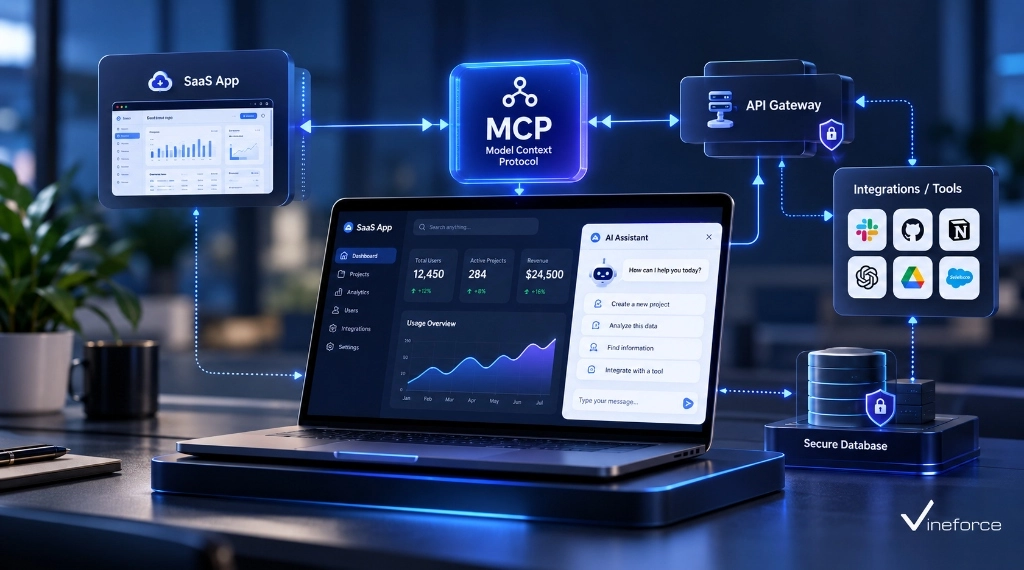
How to Connect SQL Server to AI Using Model Context Protocol (MCP)
- Harsh Gupta
- 11 Sep, 2026
- 05 Mins read
- SQL Server , AI , Architecture
The business value of connecting Microsoft SQL Server to an AI assistant is obvious — let non-technical users query their own operational data through natural language and you save significant time on reports, lookups, and one-off analysis. The security risk, if you do it wrong, is just as obvious. Giving an LLM any kind of direct SQL access is the kind of decision that ends in an incident report. The Model Context Protocol (MCP) provides a clear architectural pattern for getting the value without the risk.
Quick Summary: Directly connecting an LLM to SQL Server with raw execution permissions exposes your database to prompt injection, data theft, and accidental schema destruction. The recommended enterprise pattern uses an MCP server layer that exposes tightly scoped, parameterized tools backed by read-only database connections, strong authentication, and centralized audit logging.
Table of Contents
Open Table of Contents
The Risks of Unrestricted LLM-to-SQL Connections
The first instinct when building AI database access is often to create a tool that accepts SQL strings the LLM generates directly. It’s fast to prototype and it feels flexible. It’s also a serious problem:
[ Unsafe Flow ]
User Query -> LLM -> Generates "SELECT * FROM Users; DROP TABLE Logs;" -> Dynamic Execution -> DB Crash
Here’s what can go wrong:
- Prompt injection & SQL injection: An attacker manipulating the chat prompt can trick the LLM into generating DDL statements (
DROP TABLE,ALTER TABLE) or unauthorized DML queries (UPDATE,DELETE). The LLM has no idea it’s being manipulated. - Exfiltration of sensitive columns: The LLM might generate a
SELECT *on customer tables, pulling password hashes, PII, or financial records that the requesting user was never meant to see. - Resource exhaustion: Unbounded joins across multi-million-row tables without proper index use can lock SQL Server tables and consume server memory and CPU — the database equivalent of a self-inflicted denial of service.
For the foundational protocol context, our guide on what Model Context Protocol (MCP) is and how it works explains the architecture that makes the safer approach possible.
Recommended Architecture: The MCP Buffer Pattern
The correct approach is placing a controlled application and access layer between the AI and your database:
+-------------------+
|  AI Application   | (e.g., Enterprise Chat Assistant)
+-------------------+
          |
          |  JSON-RPC (tools/call)
          v
+-------------------+
|    MCP Server     | (ASP.NET Core / .NET 9 Service)
+-------------------+
          |
          +---> [ Authenticator / Identity Provider (Entra ID) ]
          +---> [ Audit Log Stream (Azure Monitor / Serilog) ]
          |
          v  (Strict Tool Execution via Approved Service Layer)
+-------------------+
| Application Layer | (EF Core / Dapper Parameterized Handlers)
+-------------------+
          |
          v  (Read-Only Managed Identity Connection)
+-------------------+
| SQL Server /      | (Azure SQL Database with DB-level RBAC)
| Azure SQL DB      |
+-------------------+
The LLM never sees or writes SQL syntax directly. It selects from a predefined catalog of MCP tools with known, bounded behavior.
Core Security Controls for SQL Server MCP Integrations
1. Least Privilege & Read-Only Credentials
The MCP server must connect to SQL Server using a dedicated service account or Azure Entra ID Managed Identity assigned exclusively to db_datareader roles or specific EXECUTE permissions on approved stored procedures. Using sa or db_owner accounts for this connection is not acceptable.
2. Approved Tool Whitelisting vs. Raw SQL Execution
Don’t offer a generic execute_sql tool. Expose domain-specific tools built around real business operations:
- ❌
execute_query(sql_string)— Dangerous and unmonitored. - ✅
get_product_inventory(sku, warehouse_id)— Safe, bounded, and parameterized. - ✅
search_customer_orders(customer_id, start_date, end_date)— Constrained to customer boundaries.
3. Parameterized Query Enforcement
Every database call inside MCP tool handlers must go through parameterized queries via Entity Framework Core or Dapper:
// Safe Parameterized Query Execution inside a .NET MCP Tool
public async Task<IEnumerable<SalesReport>> GetSalesReportAsync(string region, int year)
{
    const string sql = @"
        SELECT Region, TotalSales, ReportYear
        FROM Sales.RegionalSummaries
        WHERE Region = @Region AND ReportYear = @Year";

    using var connection = new SqlConnection(_connectionString);
    return await connection.QueryAsync<SalesReport>(sql, new { Region = region, Year = year });
}
4. Authentication & Authorization Propagation
The host application invoking the MCP server must pass the requesting user’s security context — typically a Bearer JWT token. The MCP server verifies user claims before running any tool. This is how the AI’s query scope stays bounded to what the actual user is permitted to see. Our article on how advanced security measures safeguard SaaS applications covers the complementary application-level security patterns.
Step-by-Step Architecture Implementation
Step 1: Define Database Security Roles
On your SQL Server or Azure SQL Database, create a dedicated user for the MCP service with constrained permissions:
-- Create constrained login and user for MCP Service
CREATE USER [mcp-service-identity] FROM EXTERNAL PROVIDER; -- For Azure Entra ID
-- Alternatively: CREATE USER [mcp_db_user] WITH PASSWORD = '...';

-- Grant read-only access to specific schemas
GRANT SELECT ON SCHEMA::Sales TO [mcp-service-identity];
GRANT EXECUTE ON SCHEMA::Reporting TO [mcp-service-identity];
DENY SELECT ON SCHEMA::HR TO [mcp-service-identity];
Step 2: Build Parameterized MCP Tools in .NET
Using .NET 9 minimal APIs or an ASP.NET Core web service, structure your tool definitions cleanly:
public record OrderQueryInput(string CustomerId, int Top = 5);

public class SqlMcpOrderTools
{
    private readonly IOrderRepository _repository;

    public SqlMcpOrderTools(IOrderRepository repository)
    {
        _repository = repository;
    }

    [McpTool("get_customer_recent_orders", "Fetches top recent orders for a specified customer ID.")]
    public async Task<IResult> GetRecentOrdersAsync(OrderQueryInput input)
    {
        if (string.IsNullOrWhiteSpace(input.CustomerId))
        {
            return Results.BadRequest("Customer ID is required.");
        }

        var orders = await _repository.GetRecentOrdersAsync(input.CustomerId, Math.Min(input.Top, 20));
        return Results.Ok(orders);
    }
}
Step 3: Implement Centralized Logging & Auditing
Every tool invocation needs an audit log capturing caller claims, tool names, parameters, execution latency, and row count returns:
{
  "Timestamp": "2026-09-11T10:30:00Z",
  "Event": "MCP_Tool_Executed",
  "ToolName": "get_customer_recent_orders",
  "CallerIdentity": "user_john_doe@company.com",
  "Parameters": { "CustomerId": "CUST-9941", "Top": 5 },
  "RowsReturned": 3,
  "DurationMs": 42
}
Azure SQL & Azure OpenAI Integration Scenarios
On Azure, the SQL to AI pipeline can be fully secured without storing database credentials anywhere in config:
[ User Browser ]
       |
       v  (HTTPS + OAuth 2.0 / Entra ID)
[ Azure App Service (Agent Front) ]
       |
       v  (Managed Identity)
[ Azure Container Apps (MCP Service) ]
       |
       +---> Fetch connection string secret from [ Azure Key Vault ]
       |
       v  (Passwordless Entra ID Token)
[ Azure SQL Database ]
Managed Identity authentication means your MCP service requests short-lived Entra ID access tokens at runtime — no connection strings to rotate, no credential files to protect. For setting up Azure deployment pipelines, our guide on setting up Azure CI/CD pipelines using Visual Studio covers the deployment side.
For comprehensive AI database integration projects, explore Vineforce AI Database Integration Solutions.
Frequently Asked Questions (FAQ)
Why is directly giving an LLM unrestricted SQL connection details dangerous?
Giving an LLM direct access or dynamic SQL execution capabilities creates severe vulnerabilities, including SQL injection via prompt manipulation, accidental schema modifications (DROP/DELETE), unauthorized data exposure across security boundaries, and database resource exhaustion.
How does Model Context Protocol (MCP) protect SQL Server data?
MCP forces AI applications to interact with SQL Server exclusively through pre-approved, parameterized tool definitions. The MCP server acts as an isolation layer enforcing read-only database connections, user authorization, and explicit query bounds.
Can I connect Azure SQL Database to an AI assistant using MCP?
Yes. Azure SQL Database connects seamlessly to a .NET MCP server hosted on Azure App Service or Container Apps, utilizing Azure Entra ID Managed Identities for passwordless authentication and Azure Key Vault for secret management.
Should MCP tools allow execution of raw SQL SELECT statements?
In enterprise settings, allowing raw dynamic SQL execution by LLMs is strongly discouraged. Best practice is exposing domain-specific parameterized tools (e.g. GetCustomerMonthlySummary) that invoke stored procedures or strongly typed EF Core queries.
Conclusion
Connecting SQL Server to AI is genuinely useful — but the difference between doing it safely and doing it dangerously comes down to one architectural decision: does the LLM ever touch raw SQL? With MCP, the answer is no. The LLM picks from a whitelist of bounded, parameterized tools. Your database never sees a dynamically generated query string, and your audit log captures every call that does run.
If you need help designing the tool catalog, setting up read-only Managed Identity connections, or structuring the MCP server in .NET, Vineforce works with enterprise SQL Server environments regularly.